Fault codes, monitoring dropouts and wifi reconnection, brand by brand. Written for the system in front of you.
65 articles in the Journal · Page 4 of 6
Clear filtersUse the supported mySolarEdge owner communication guide. Check the server-connection status and the time of the latest monitoring data.
Identify your Sungrow Wi-Fi dongle before choosing a reconnection method, and have your network details ready for the iSolarCloud setup.
Read the articleChoose the SnapINverter or GEN24 network guide, update the home connection with authorised customer access and check Solar.web data.
Read the articleMatch your ShineWiFi datalogger before using ShinePhone. Check the home network and follow the guide for that exact module.
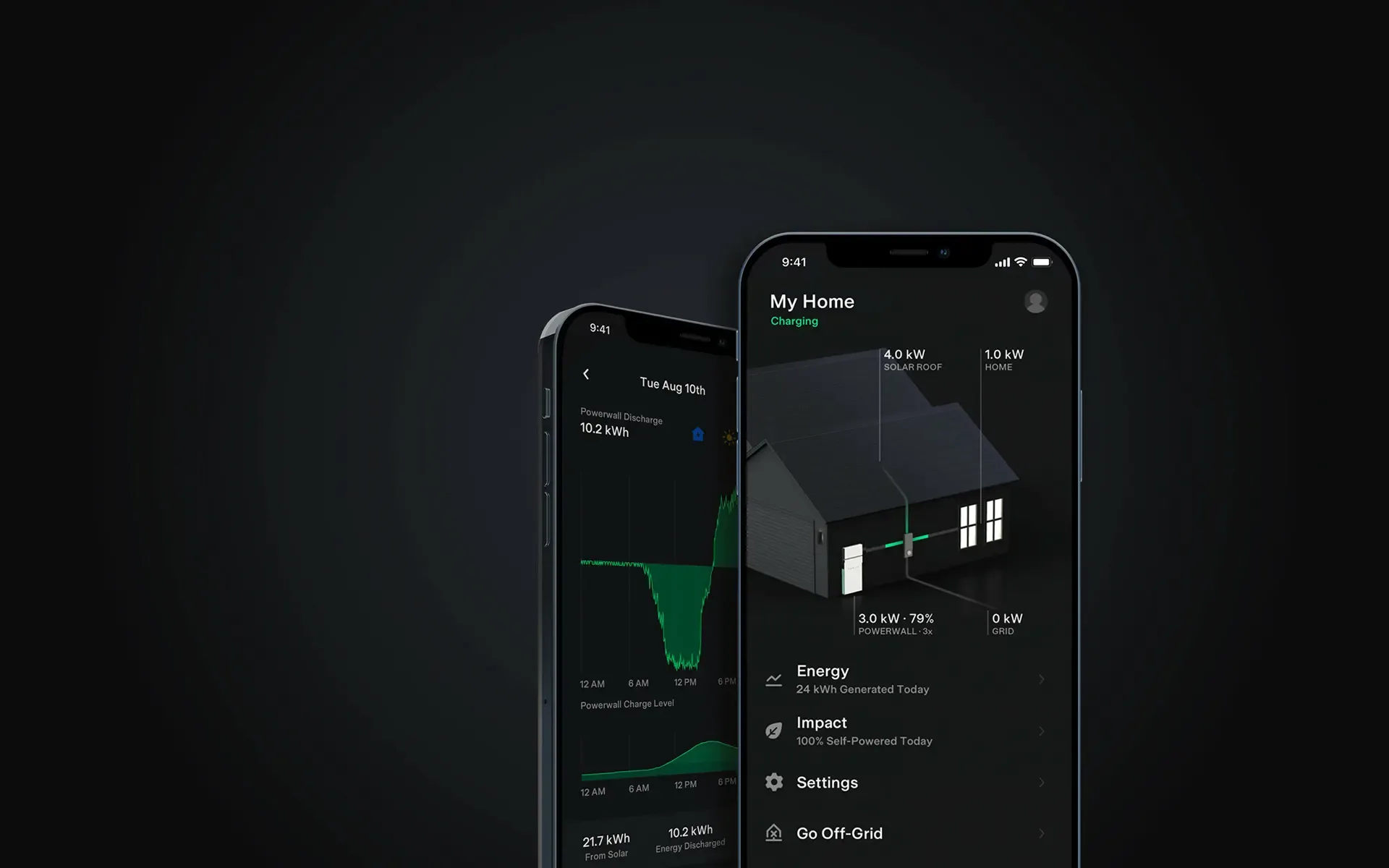
Read the articleAssess Powerwall against your evening electricity use, available solar, backup needs and installed price, with current Australian warranty guidance.
Read the articleThe 2023 Tesla and PSW promotion is closed. Use current equipment guides and scheme rules when comparing a battery quote today.
Read the articleSend switchboard photos, seasonal bills and equipment labels with your proposed mounting spot so a remote quote can address compatibility and siting.
Read the articleUse the FusionSolar owner router-connection guide for your device. Check the network status, then confirm fresh monitoring data.
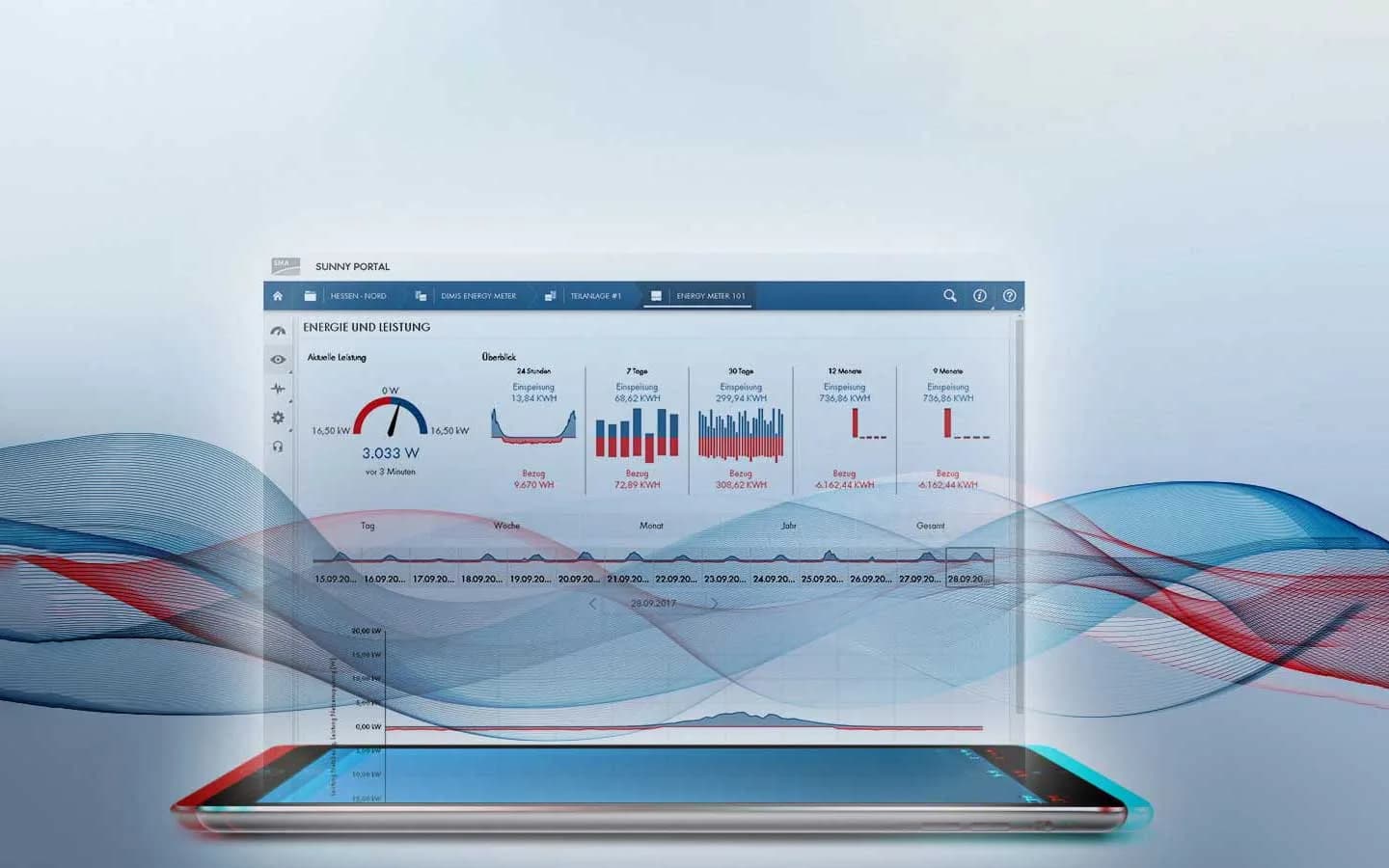
Read the articleIdentify your SMA inverter and use its model-specific owner connection guide. Ask PSW if access or network settings are restricted.
Read the articleGrid import and export readings help you match appliance use to solar production, adding household demand to the figures in your monitoring app.
Read the articleIdentify the Sungrow communication module before using iSolarCloud network settings. Check both the home connection and cloud status.
Read the articleKeep your Wi-Fi details ready for installation day and your handover documents where you can find them. Your project hub brings together the agreement and records from the work.
Read the article