
In this article
Let’s get your monitoring connection back. An offline app alone does not tell you whether the system has stopped generating.
Before you begin
Use your phone, app and home router for these checks. Do not open covers, unplug modules, operate breakers or electrical isolators, restart the system or factory-reset equipment.
For a fault message, dead display or tripped breaker, use PSW Life Support. For smoke, burning smells, sparking, unusual heat or visible damage, keep clear and follow the safety advice.
Match the guide to your equipment
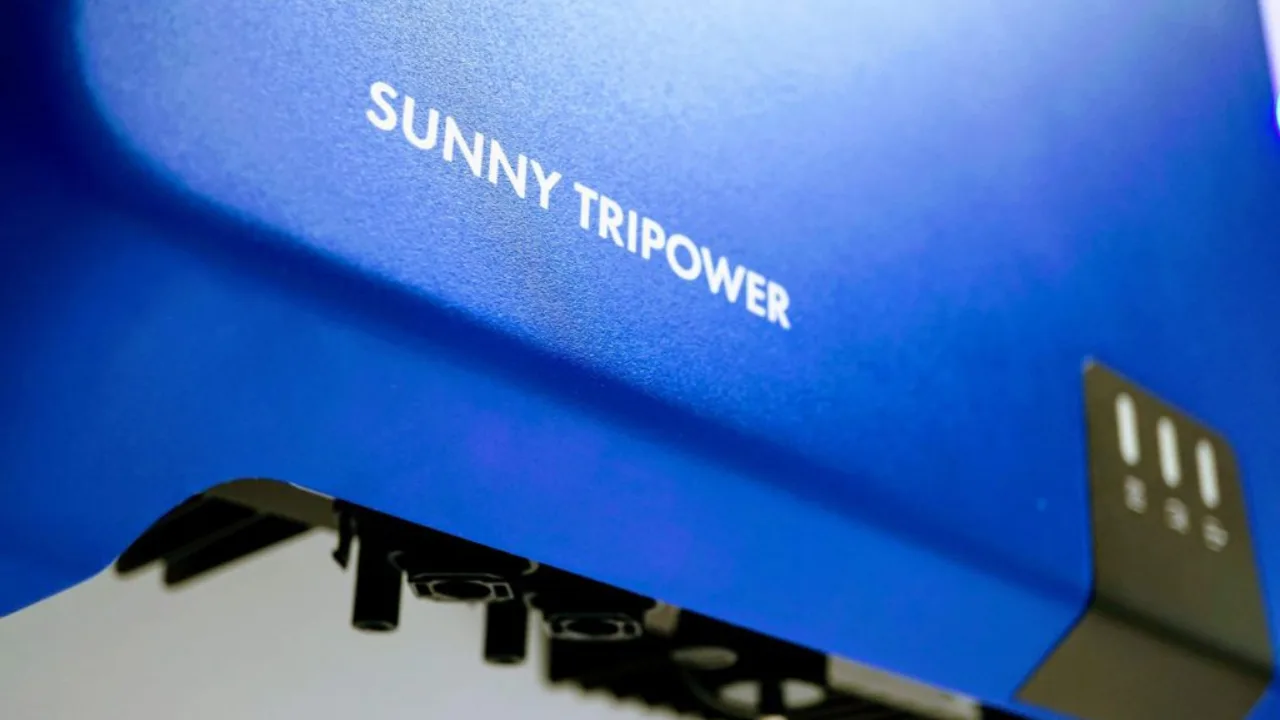
Start with the exact inverter model and communication arrangement. SMA Energy App is for homeowner monitoring; Sunny Portal is the web platform. A Sunny Boy with built-in Wi-Fi, a Sunny Tripower Smart Energy and an older Sunny WebBox / Sunny Explorer setup are different routes. SMA 360° is not a universal homeowner reconnection method.
Have these ready
- Working home internet. Connect your phone to home Wi-Fi and open a webpage. If it will not load, resolve the home connection first.
- Your Wi-Fi details. Have the current network name and password ready. Enter passwords only in the manufacturer app or confirmed device interface, never in a PSW form or support message.
- Your usual account. Check you can sign in and see your system. Use account recovery if you cannot.
- A safe place nearby. Check the phone has a useful Wi-Fi signal near the equipment. Keep router security and system operating settings unchanged.
Reconnect one step at a time
If the old home Wi-Fi is still working
- Open the existing monitoring system and check which inverter or communication device is offline. Read the complete model from your records or a safe external label.
- Use the exact model manual’s Operation → connection to the user interface section. If the inverter is already on the same home network, the manual explains how to find its local address; use a current phone or computer browser.
- Sign in as User with the authorised user password. Only use owner-accessible network settings described for your model. If User access is read-only, stop and ask PSW; do not change roles or start an installation wizard. A request for Installer access, unfamiliar parameters or a browser security exception also needs PSW help.
If the router, name or password has changed
A cloud-app login alone may not reach the inverter after its saved network has disappeared. For Sunny Tripower Smart Energy STP5.0 / 6.0 / 8.0 / 10.0-3SE-40, the linked manual has a separate direct Wi-Fi access section using the device-specific details supplied with the product. Follow that owner connection section only. For older Sunny Boy models, use the matching model manual below. Do not use a Tripower procedure for another inverter.
Once the authorised owner network screen is available, enter the new home-network details only in that confirmed device interface. If you cannot reach it or the supported Wi-Fi option is absent, PSW can identify the correct recovery path without you opening covers or accessing equipment ports.
Check the app
Return your phone to its usual internet connection and reopen the app. Look for a connected status and check the time of the latest reading. Give the app time to apply the change before trying again.
A device connection and fresh cloud data are different checks. Neither, on its own, confirms generation or battery performance.
Still offline?
If the screen differs or setup fails, pause rather than repeat another model’s steps.
Send PSW Life Support the model, app, last-update time and the step you reached. A screenshot can help; hide private details and leave out passwords. Only photograph safely visible labels.
Different brand? Choose your equipment in the Wi-Fi assistant.
Manufacturer instructions
Use the network section for your exact model and app version. Electrical work and installer settings are outside this guide.
- SMA Energy App: homeowner monitoring ↗
- Sunny Tripower Smart Energy -3SE-40: direct Wi-Fi access ↗
- Sunny Tripower Smart Energy -3SE-40: same-network access ↗
- Sunny Boy SB3.0 / 3.6 / 4.0 / 5.0-1AV-40 owner manual ↗
- SMA Australia: find the exact model manual ↗
Manufacturer guidance checked 23 October 2026. Menu wording can change with app and firmware updates.