
Learn / The PSW Journal
Follow a question.
Find the detail that matters.
151 articles in the Journal · Page 11 of 13
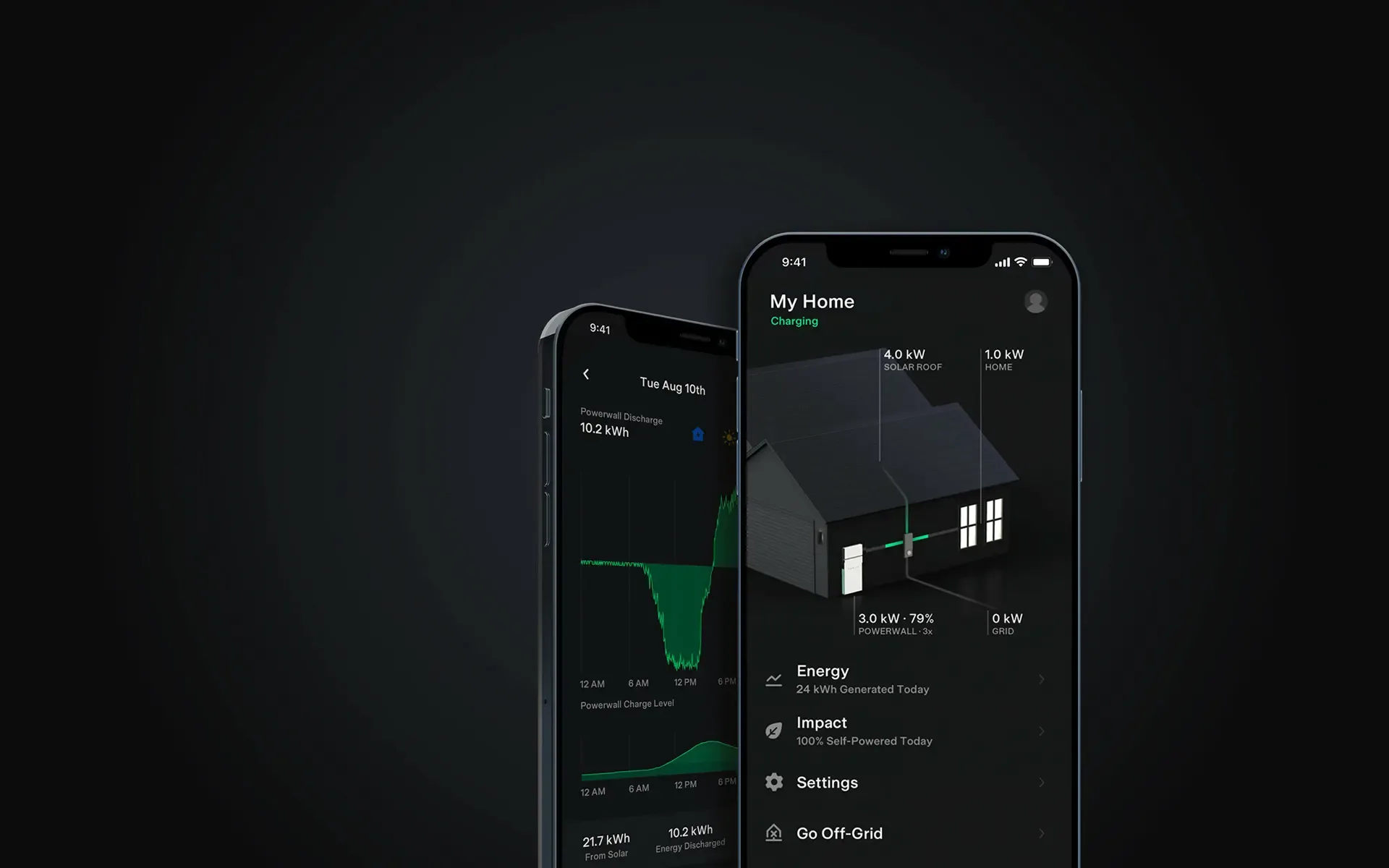
Search the JournalThe 2023 Tesla and PSW promotion is closed. Use current equipment guides and scheme rules when comparing a battery quote today.
Send switchboard photos, seasonal bills and equipment labels with your proposed mounting spot so a remote quote can address compatibility and siting.
Read the articleModule efficiency helps compare how much power fits on a roof; temperature performance adds another check. These rankings reflect 2023 products; check current datasheets and availability before buying.
Read the articleUse the FusionSolar owner router-connection guide for your device. Check the network status, then confirm fresh monitoring data.
Read the articleMeet the team responsible for aftercare before choosing an installer. A warehouse visit or a remote check can help you assess the business behind the quote.
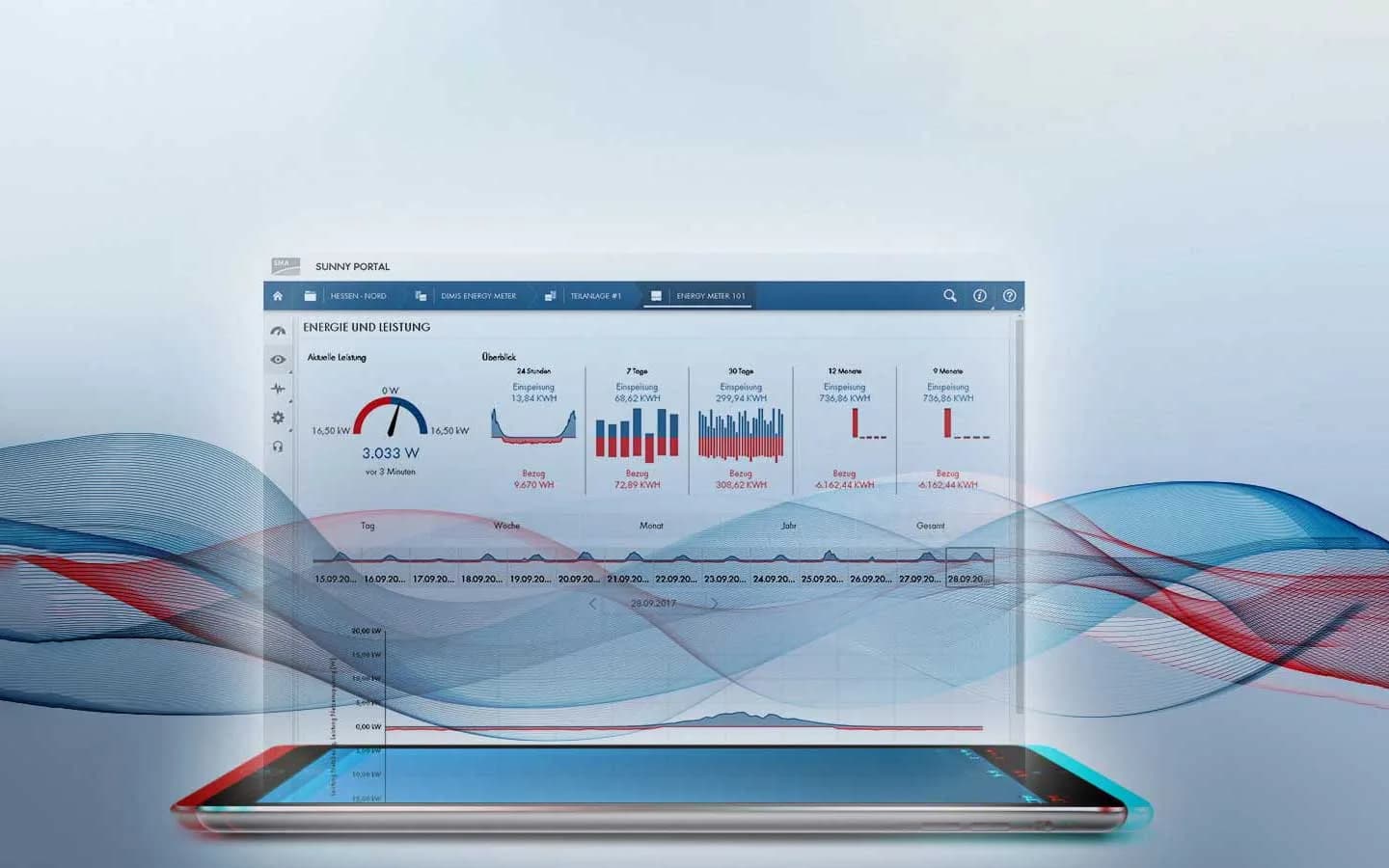
Read the articleIdentify your SMA inverter and use its model-specific owner connection guide. Ask PSW if access or network settings are restricted.
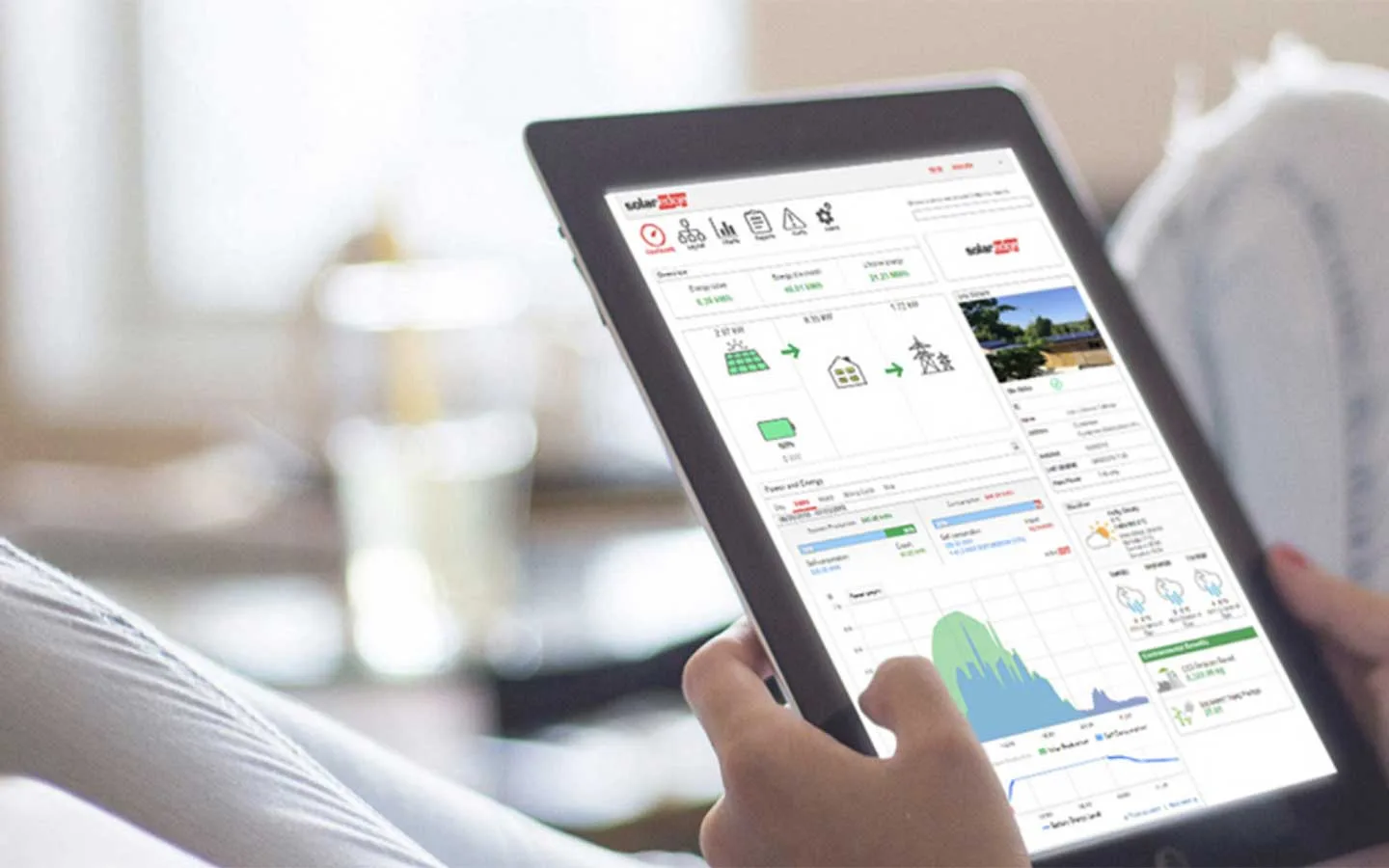
Read the articleGrid import and export readings help you match appliance use to solar production, adding household demand to the figures in your monitoring app.
Read the articleIdentify the Sungrow communication module before using iSolarCloud network settings. Check both the home connection and cloud status.
Read the articleKeep your Wi-Fi details ready for installation day and your handover documents where you can find them. Your project hub brings together the agreement and records from the work.
Read the articleFind activation, password-change and recovery steps for Fronius, GoodWe, Growatt, Huawei, SAJ, SMA and Sungrow monitoring. Start with your PSW handover.
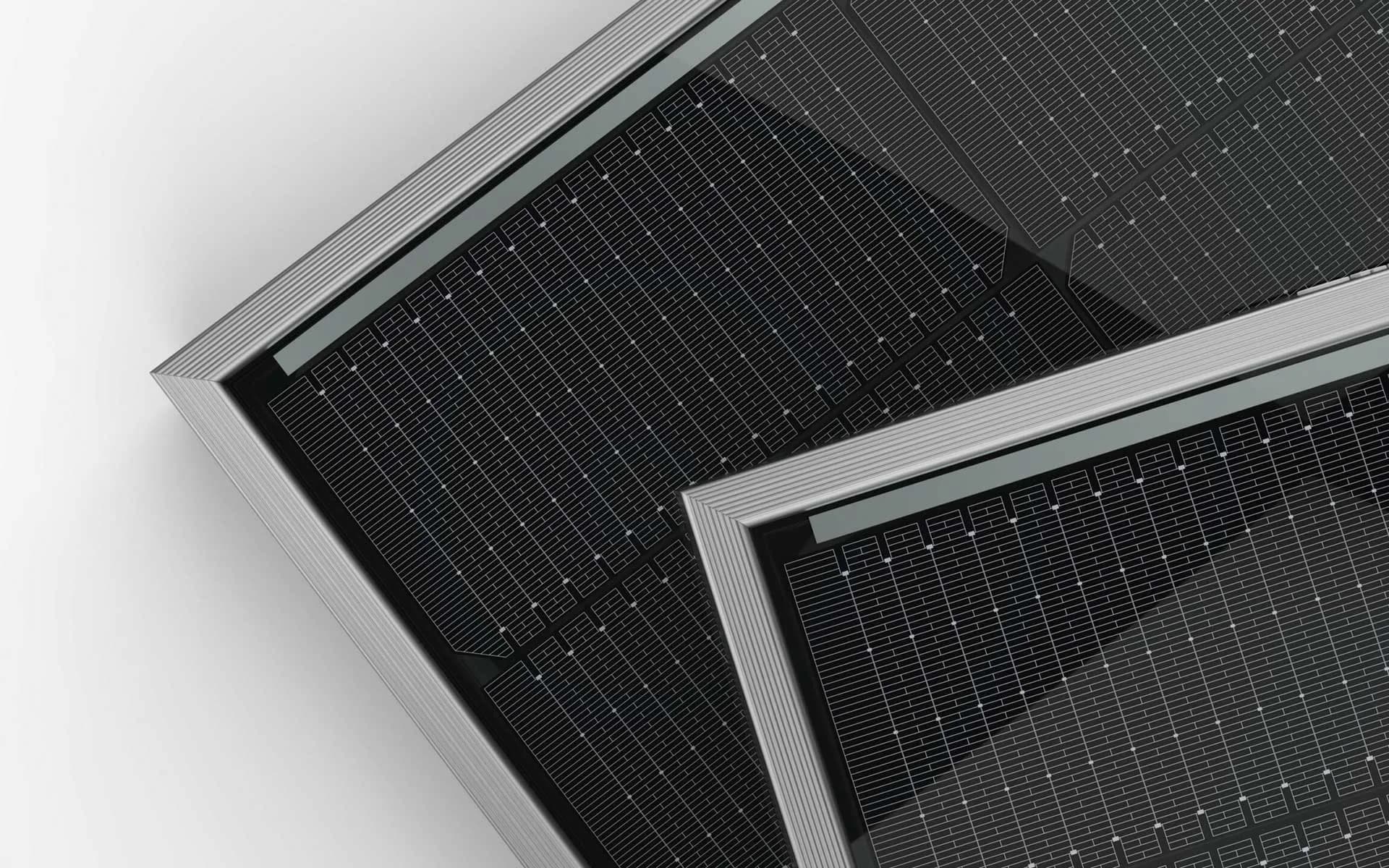
Read the articleCheck the module’s temperature coefficient when comparing TOPCon panels for a hot roof. Rear-side generation claims also need weighing against how the panels will be mounted.
Read the articleRecord the SolarEdge error code and inverter model before contacting support. Optimiser faults may also need checking through monitoring to identify the affected unit.
Read the article