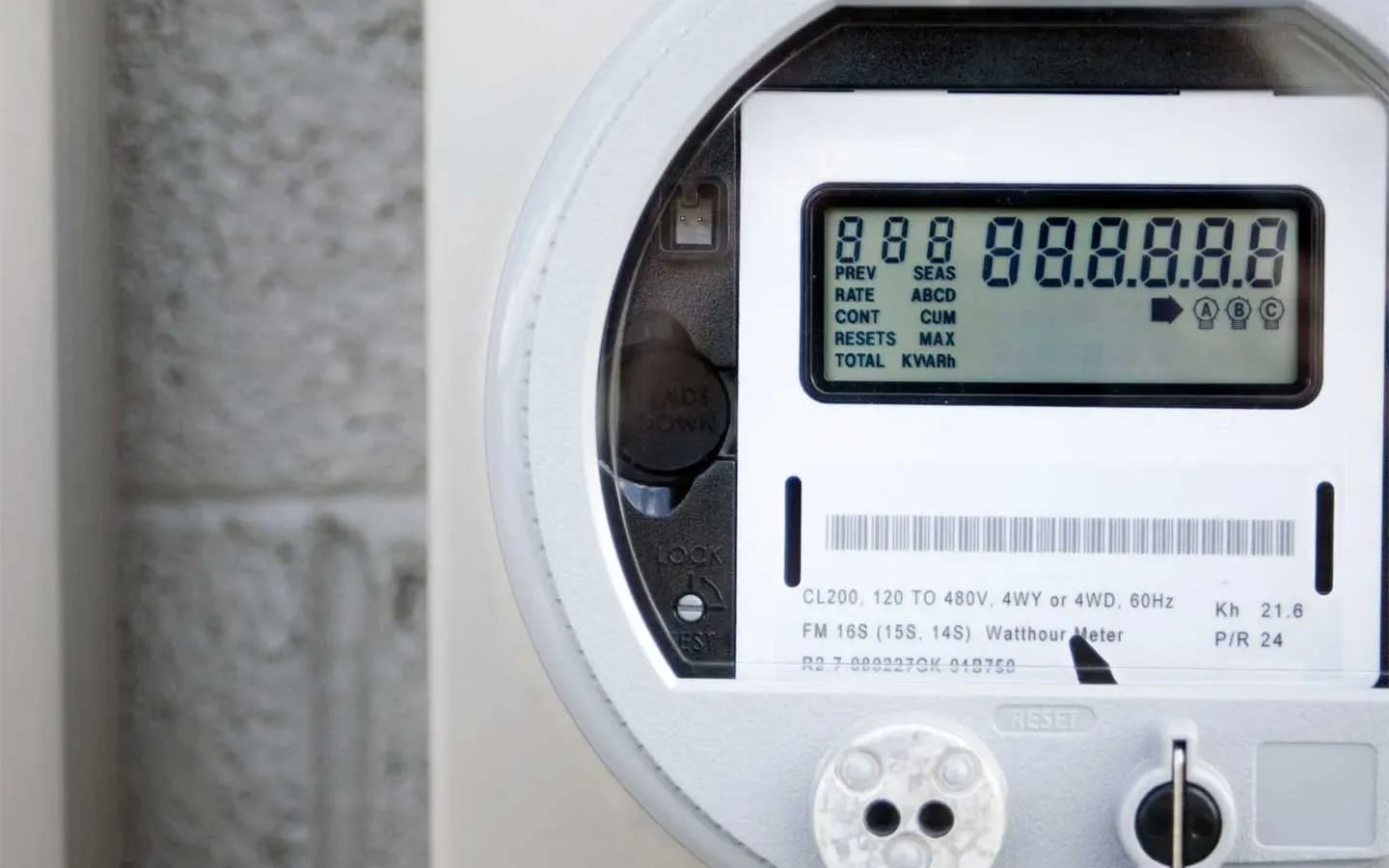
How to identify a single phase or 3-phase power supply
Ask your retailer or read visible meter labels to identify the supply type, without opening sealed compartments or removing switchboard covers.
Read the articleAsk your retailer or read visible meter labels to identify the supply type, without opening sealed compartments or removing switchboard covers.
Read the articleConfirm compatible module availability for an older iStore or Huawei setup before relying on the expansion window described in the earlier notice.
Read the articleHardware version determines whether an EVDC can take the charging licence. Battery configuration and available solar affect how much of the higher limit a household can use.
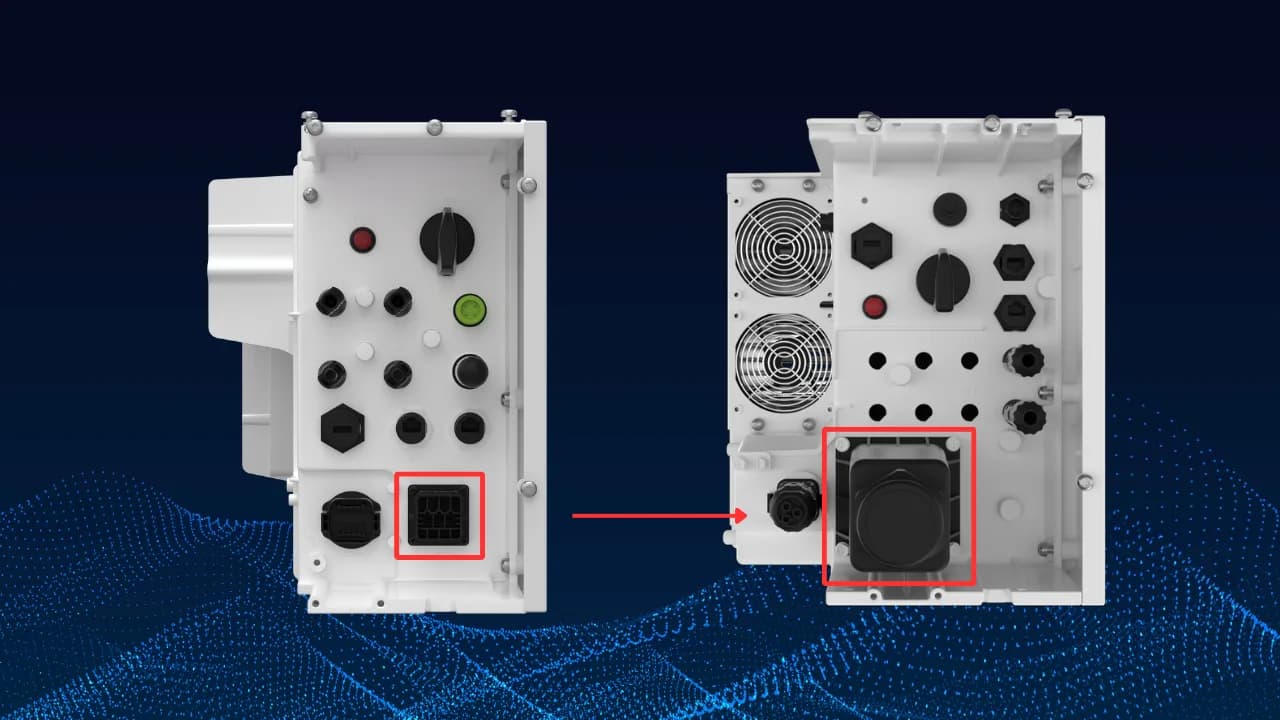
Read the articleThe recall concerned AC plug connections on specified single-phase Energy Controllers. Owners need the current recall instructions for their model when arranging a replacement or contacting support.
Read the articleIdentify your GoodWe communication module before choosing SEMS or SolarGo. Follow the matching owner network setup and check fresh data.
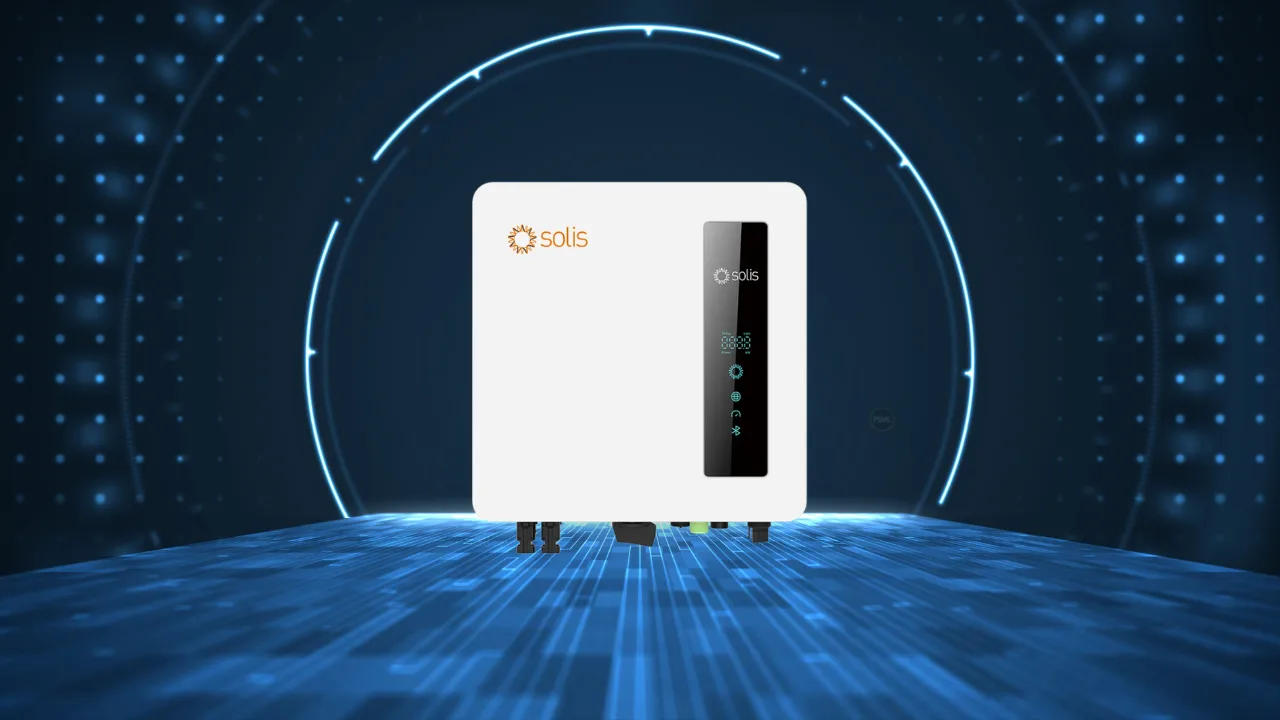
Read the articleCopy the Solis alarm text exactly, including its hyphens, and note when it appeared before contacting your installer or PSW Life Support.
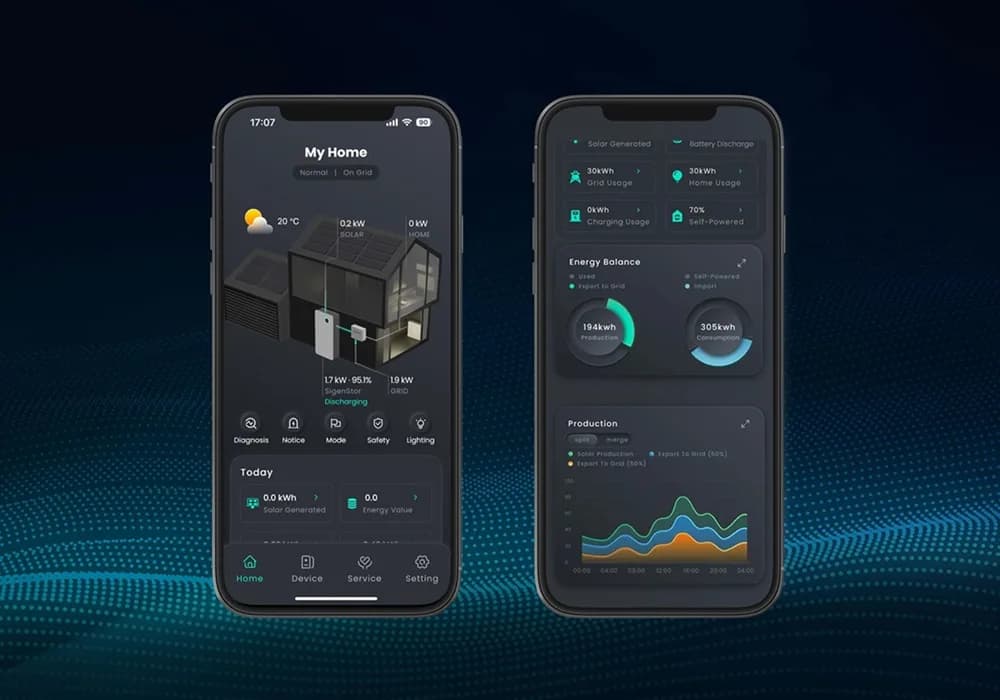
Read the articleCheck connectivity in your existing mySigen station, then use its matching network-reconnection route and check the latest data.
Read the articleVisible soiling and local dust or salt exposure help determine cleaning needs. Avoid abrasive cleaning and use a professional where roof access would put your safety at risk.
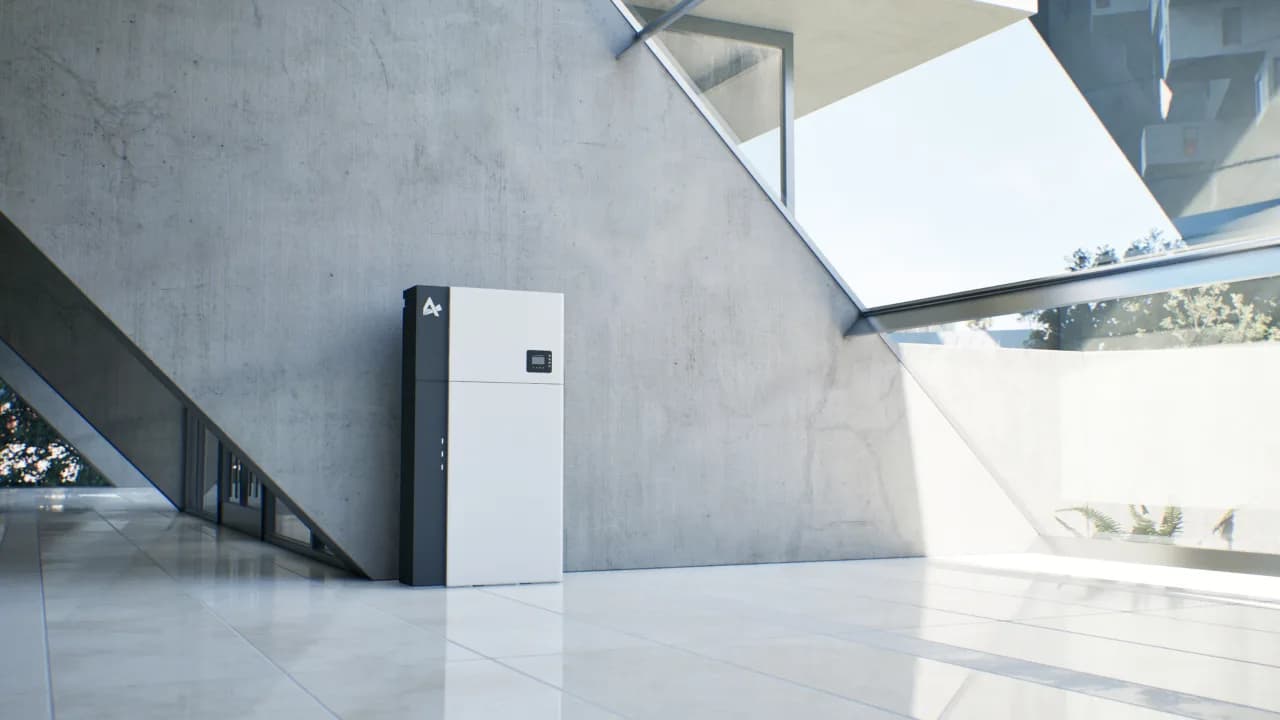
Read the articleMatch the AlphaESS app version and device before reconnecting. Use the owner network wizard, then check for fresh monitoring data.
Read the articleIdentify the IQ Gateway and connection type, then use the matching Enphase owner-app guide. IQ Battery 5P systems have a separate route.
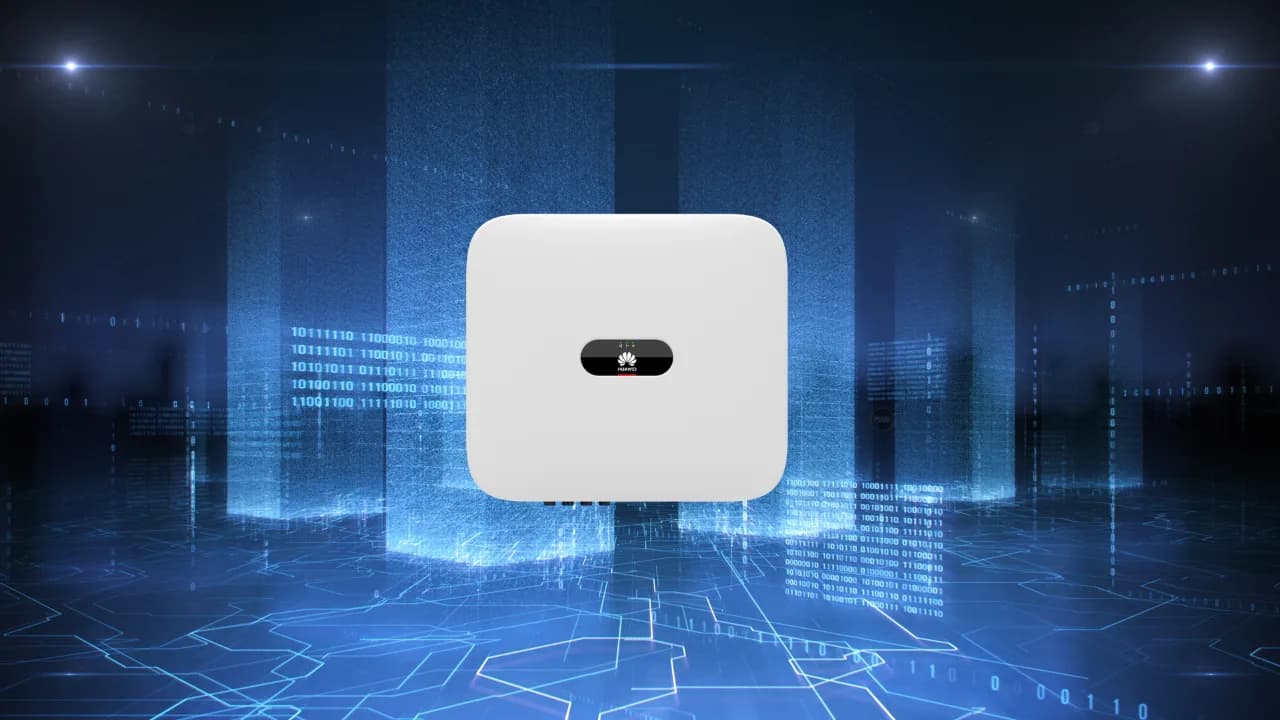
Read the articleAn alarm in FusionSolar can refer to the inverter or a connected battery. Record the alarm ID and model before contacting your installer.
Read the articleHave your SMA event code and inverter model ready when requesting service; the code can appear on the display or in monitoring.
Read the article