
In this article
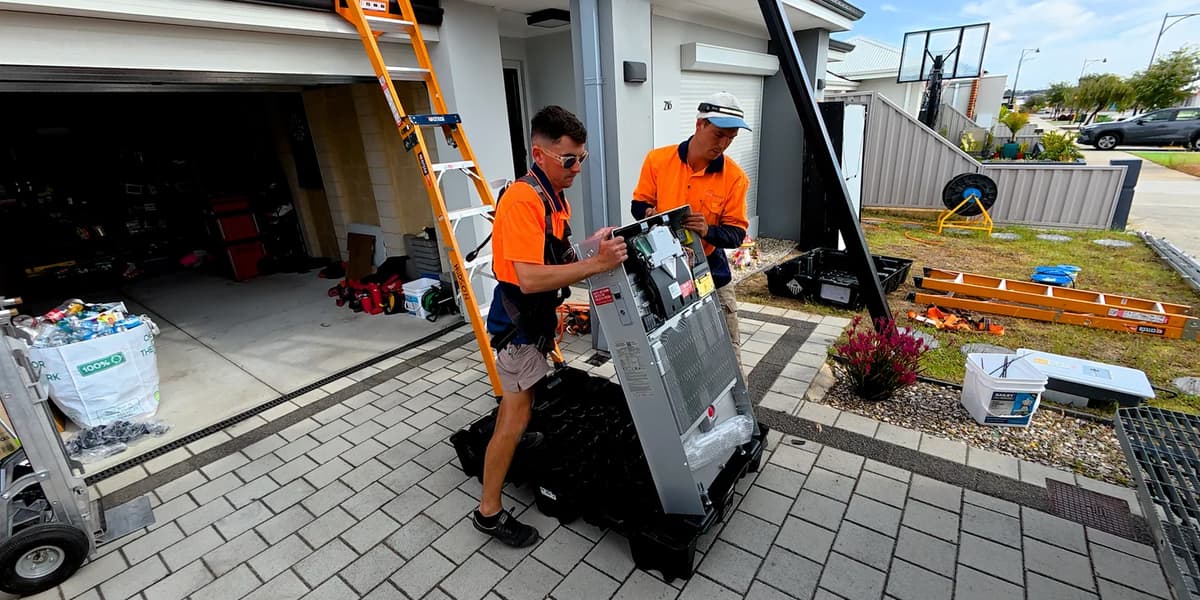
It’s easy to look at a garage wall and see room for a battery. An electrician sees the next room, the car door, the switchboard and the path the cables have to take. Those details can change the job even when the equipment on the quote is the same.
Pick a spot for the battery
A garage can offer shade and shelter. Look at it as you use it on a normal day, with the car parked and the shelves full. A wall that looks clear in a close-up can sit in the path of a bumper, a car door or the way out of the garage. Show the installer what’s on the other side of the wall too. The room behind it can affect which wall and mounting arrangement are suitable.
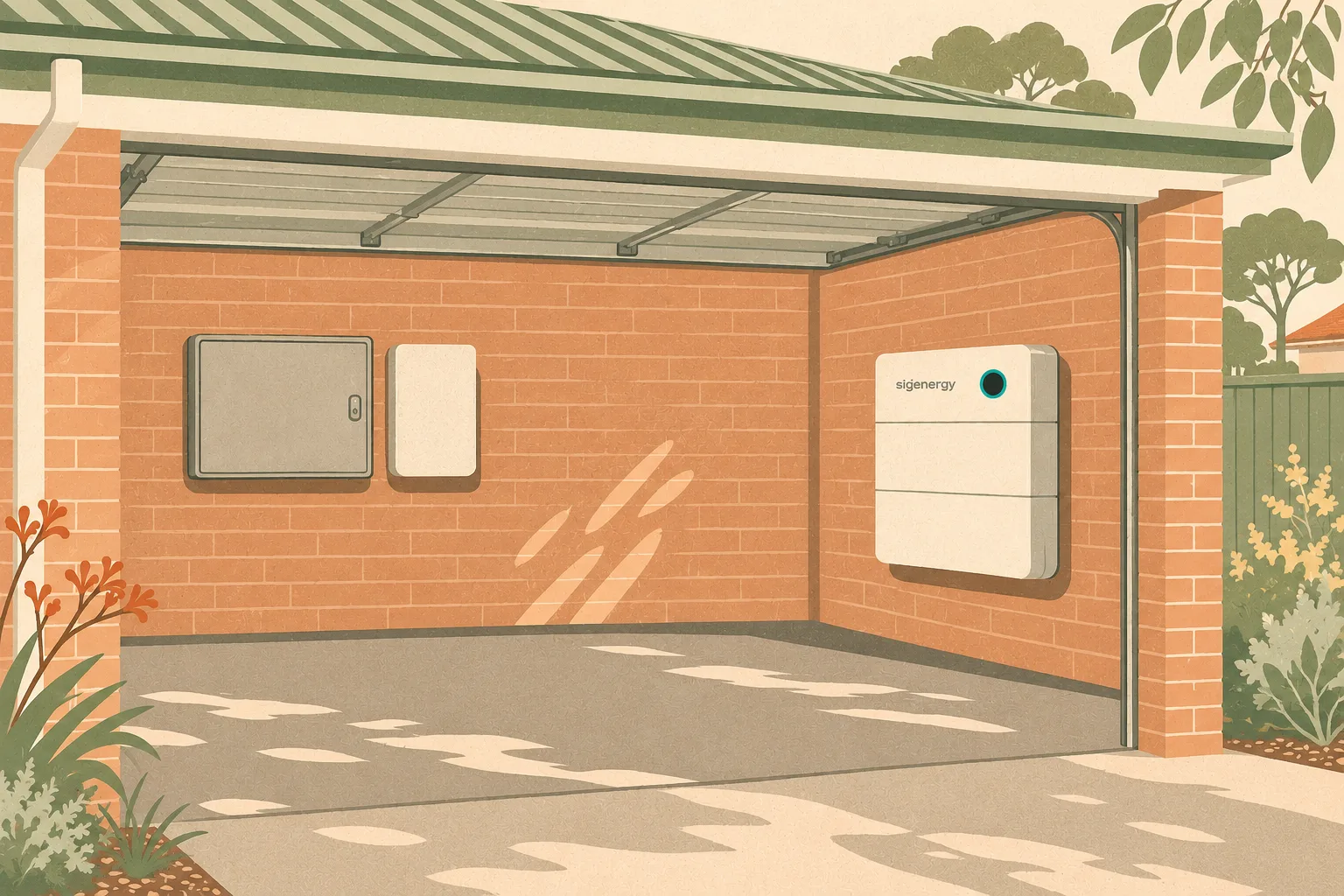
- Switchboard
The main panel that sends power to your lights and power points.
- Backup gateway
Helps switch your home over to battery power in a blackout. PSW usually puts it beside the switchboard.
- Home battery
The Sigenergy SigenStor shown here stores power for later. It sits on a separate wall.
Moving the gateway farther away can mean rerouting the home’s main power cables, which can add to the quote.
Outside, think about the spot on a hot afternoon or during heavy rain. Show where the sun falls, where water drains, and whether bins, a gate or garden equipment will make it hard to reach the battery later. DFES recommends a cool, dry, ventilated location with protection from impact. Your installer checks the exact model’s requirements for exposure, clearances, ventilation and service access.
For an attached garage, ask what the proposal allows for at the wall and whether any alarm work is needed. The electrician assesses the site against the battery installation standard applied in WA and the manufacturer’s instructions. See the WA garage alarm guide for the difference between fire service advice and requirements at a particular home.
Where the gateway goes
When a PSW installation uses a separate backup gateway, our default is to mount it beside the switchboard. That puts it close to the incoming supply, especially when the system uses a gateway to isolate the home from the grid during a blackout. The battery can go on another suitable wall while the gateway stays beside the switchboard.
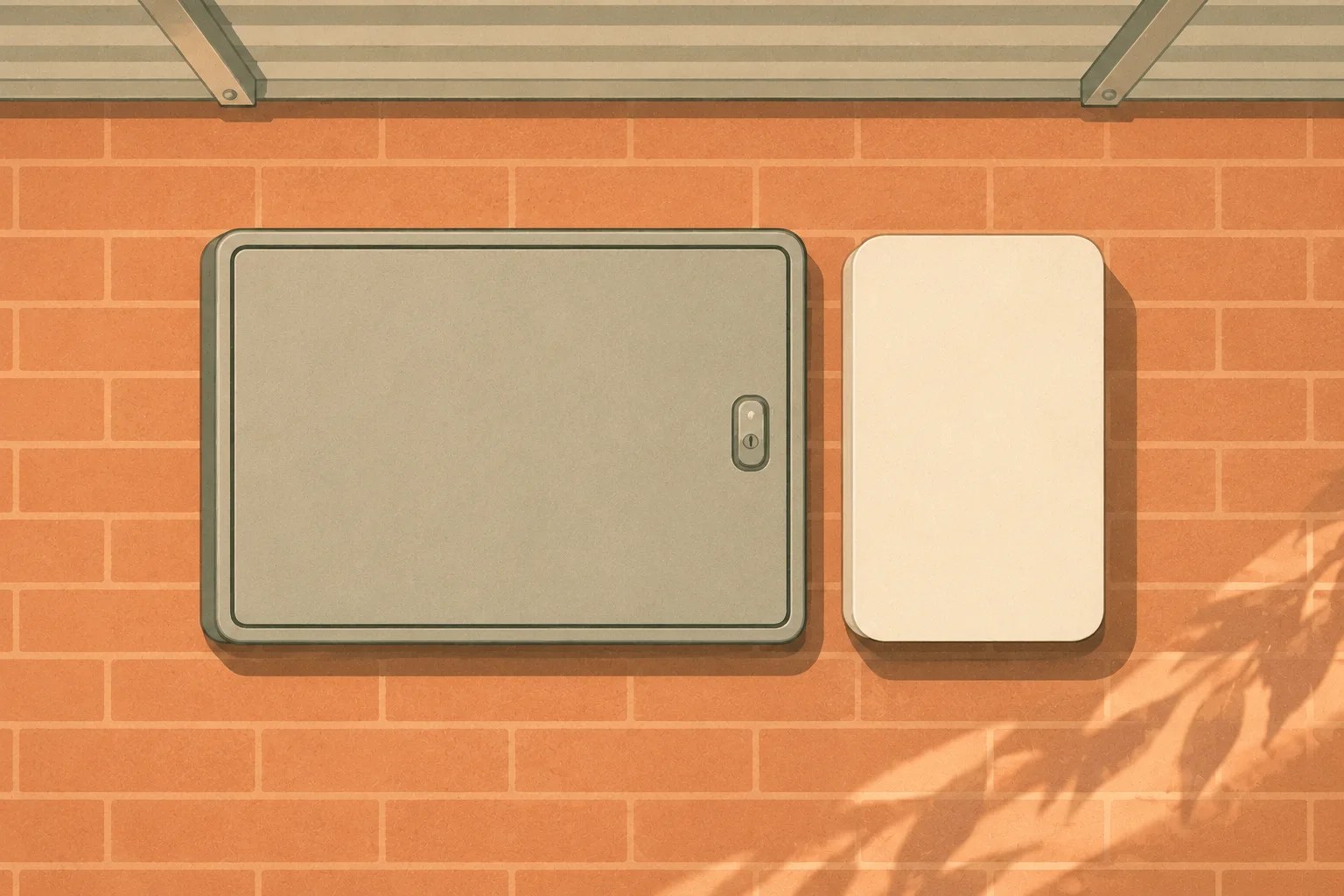
If you want the gateway elsewhere, we may need to reroute the mains cables to that location. That extra electrical work can increase the quote. Moving the battery on its own usually changes the cable run to the battery.
Ask the electrician to trace the route through the house. A short distance on a plan can become a much longer run if solid walls, a finished ceiling or a path between buildings get in the way. Power, communications and metering may have different requirements. Tesla’s Powerwall 3 and Backup Gateway 2 manual is one example of why the exact equipment matters when checking cable lengths.
Battery on a separate wall
Gateway beside switchboard
The battery can sit farther away. The quote allows for the cable run to the battery.
Gateway away from the switchboard
Possible mains reroute
If the mains cables need to run to the new gateway location, that extra work can increase the quote.
Illustrative locations. Your electrician confirms the actual design.
Compare the work in each quote
Show your installer your preferred battery spot and one alternative. If you’re comparing layouts, ask for the same equipment and backup scope in each quote. Have the installer mark the equipment and cable paths and explain any difference in the allowance for conduit, access or mains work. If a battery position requires a protective barrier, mounting work or a new alarm, ask where that appears in the quote.
Some systems switch to backup inside the inverter, so there’s no separate gateway on the wall. If the inverter is farther from the switchboard, the installer may need extra cabling to supply the circuits you want to keep running. Separating those circuits at the switchboard can also add labour to the quote.
Built-in backup may cover just the essentials, such as the fridge and lights. Ask which circuits will work in a blackout and whether the quoted system can start and run larger appliances, such as your air conditioner, while those essentials are on. That depends on the model’s backup power rating, the battery and how the circuits are connected.
Find out which details are confirmed and which still need a site check. The installation costs guide explains what can change once an electrician looks beyond the photos.
Send photos before you get a quote
- The wall and the whole area
- Step back to show doors, windows, the floor and where the car parks. Tell your installer what’s on the other side of the wall.
- The switchboard and nearby space
- Take a clear photo of the outside with covers in place. Include the wall around the board so the installer can see where there may be room for a gateway.
- The route between the two
- Show what’s in the way, such as a paved path, a finished room or a detached garage. If there’s a second spot you’d consider, include that too.
Photos make the first conversation easier. Your electrician confirms the wall, access, clearances and cable route before the design is final.
Sources and further reading
References checked .
- Building and Energy WA · Updated battery installation standards
- DFES · Residential battery fire safety
- GoodWe Australia · EH inverter backup connections and load limits
- Tesla Australia · Powerwall 3 and Backup Gateway 2 cable limits
- PSW Journal · Home batteries and garage alarms in WA
- PSW Journal · What changes your installation price?