
In this article
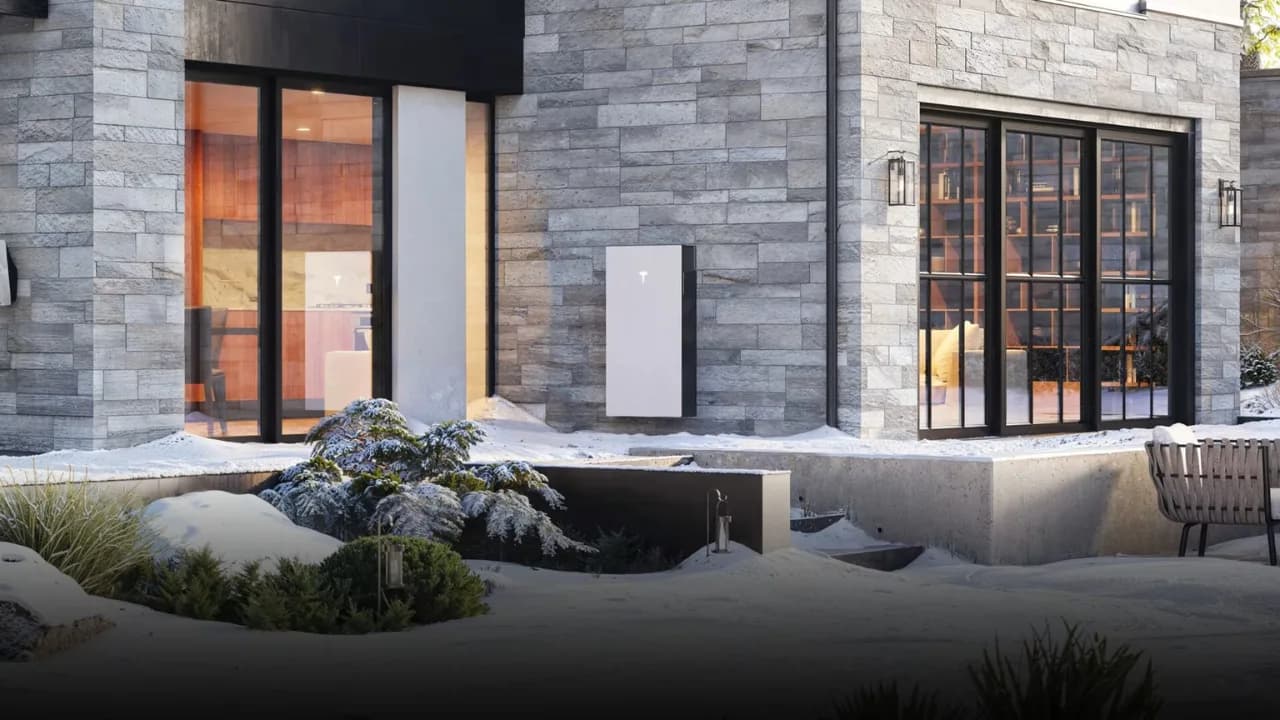
Powerwall 3 can warm its battery cells when they are cold. Tesla calls this Heat Mode. It works automatically on supported software, helping the battery prepare for charging and use without an owner having to set a heating schedule.
For a WA installation, it belongs in the conversation about location and operating conditions. It does not establish a particular saving or remove the need to choose a suitable position.
Automatic temperature management.
Tesla’s 2024 Heat Mode white paper describes cell-level heaters controlled using recent solar production and battery-use history. It lists the feature as standard on Powerwall 3 with software version 23.40 or later. Powerwall 2 also has thermal management, using a different internal arrangement.
The paper distinguishes internal cell temperature from outside air temperature. A cold morning does not tell you the cells’ exact temperature, and a low charge rate can have causes other than temperature. Check the system’s status before drawing a conclusion.
Heat Mode acts inside the battery.
Outside air
The temperature around the enclosure. It does not tell you the cells’ exact temperature.
Inside the battery
Cell-level heaters and automatic controls manage cold operation on supported software.
Conceptual diagram; no temperature or savings result is plotted. Source: Tesla’s 2024 Heat Mode white paper ↗. Installation location and Australian operating limits still need checking.
Read the test conditions with the number.
Tesla reports a typical 200 Wh to prepare cells for daily solar charging at an ambient temperature of −20°C. That is an energy quantity under a stated test condition, not a continuous power draw, a daily allowance for every site or a Perth savings forecast.
The paper includes Canadian and US examples. Those examples explain the function; they do not measure an annual benefit at your address.
Location still matters in WA.
We assess shade, ventilation, access, clearances and the site’s operating conditions against the Australian installation requirements. Heat Mode addresses cold operation; it does not make a hot enclosure or an unsuitable outdoor position acceptable.
The Australian Powerwall 3 datasheet gives the operating limits and qualifications for the equipment supplied here. Use those Australian ratings when comparing systems rather than a North American output figure from a technical example.
If you are checking an installed system.
Do I need to switch Heat Mode on?
Tesla describes it as automatic on supported Powerwall 3 software. Follow the app’s notifications and current manufacturer guidance; do not alter installer settings to force charging.
Does this guarantee full output on every cold morning?
No. Available power also depends on the system configuration, battery state and operating conditions. A quoted battery rating is not a guarantee of household performance at all times.
What should I do about unexpectedly low charging?
Check the Tesla app for alerts and whether solar is available. If the behaviour persists, contact PSW Life Support with the time, app message and system details. Do not open the battery.
Should Heat Mode decide which battery I buy?
Consider it alongside usable storage, installed cost, backup requirements and support. The Powerwall 3 configurator gives current equipment choices; the site assessment confirms the design.
Reviewed 21 October 2026. Sources: Tesla’s 2024 Heat Mode white paper and Australian datasheet, linked above.